
Dashboard
Your dashboard is the home screen of CountedIn. It gives you a real-time overview of your practice: revenue, sessions, and things that need your attention.
Overview stats
At the top of your dashboard, you'll see key metrics about your practice:
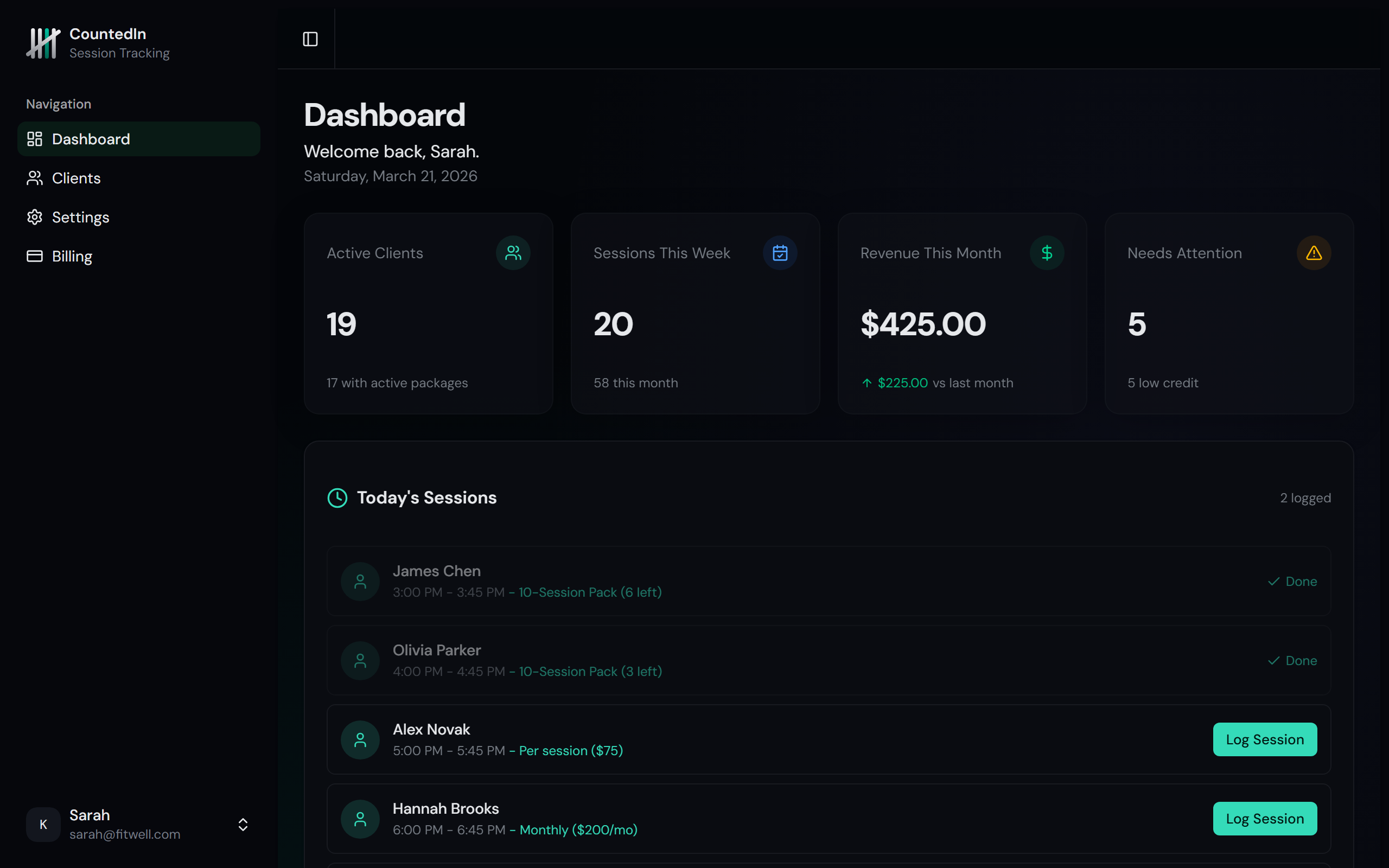
- Active clients - total number of active clients across all billing types
- Sessions this month - how many sessions you've logged this month (all billing types)
- Revenue this month - total payments received this month, compared to last month
Needs attention
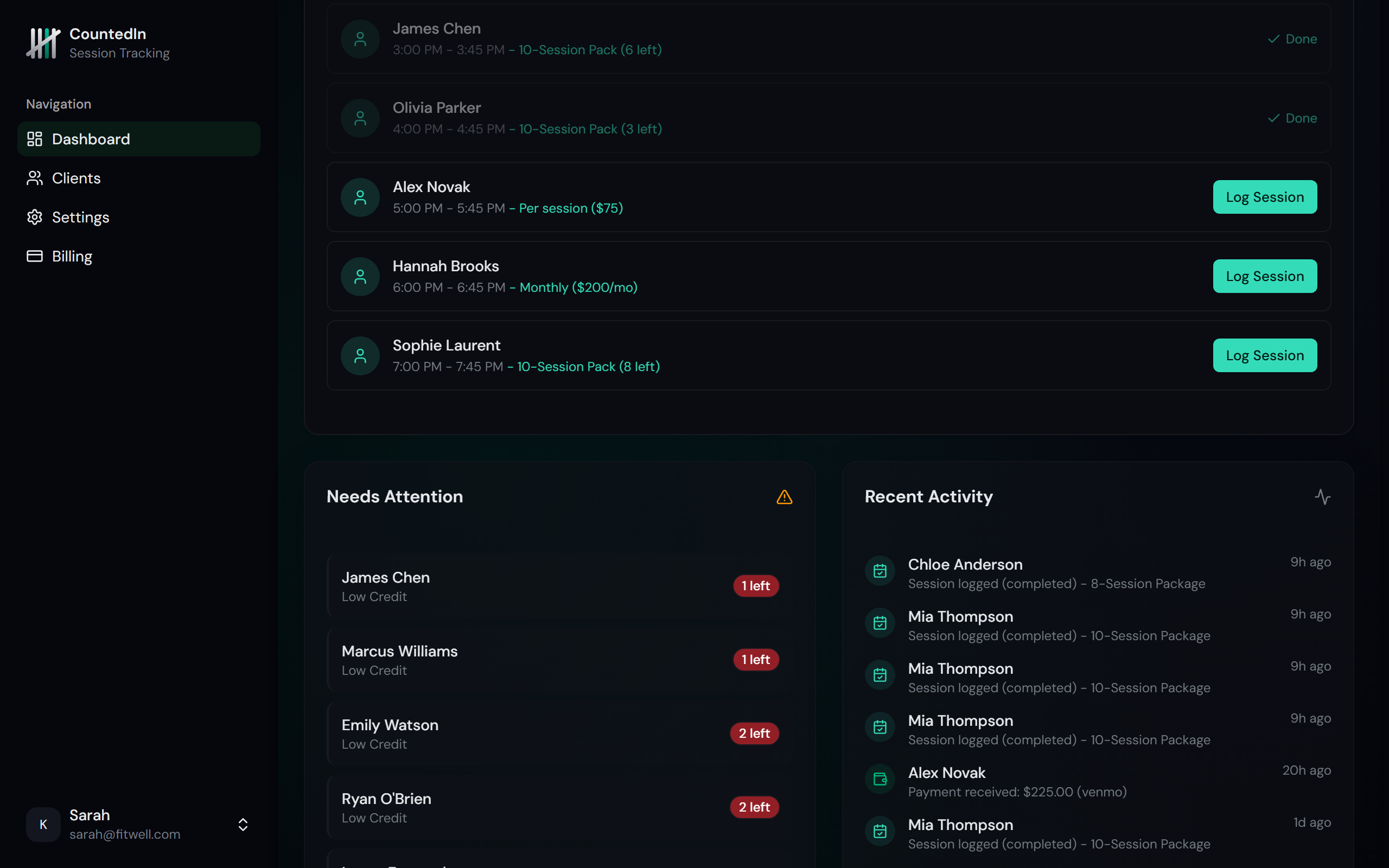
The Needs Attention section is your action list. It shows everything across your practice that requires follow-up, sorted by urgency:
Overdue payments
Monthly clients whose payment is past due. Highest urgency.
Payments due soon & expiring packages
Monthly payments coming due, and packages expiring within 7 days.
Low credits & expiring later
Package clients running low on sessions, and packages expiring soon.
This unified list replaces separate counters for low-credit and expiring packages. It works across all billing types, so monthly payment tracking and package alerts are in one place.
Revenue and session trends
Scroll down on the dashboard to see charts showing your business trends over time.
- Monthly revenue - based on actual payments received (not package prices). Includes Stripe, cash, Venmo, and bank transfer payments. Available on Studio plan.
- Session trends - sessions logged per week or month across all billing types. Helps you spot busy and quiet periods. Available on Studio plan.
- Activity feed - recent activity across all your clients: sessions logged, packages created, payments received, and alerts triggered.
Quick actions
The dashboard includes shortcut cards to your most common actions:
- Add a client - jump straight to the client list with the add form open
- View clients - go to your client list
- Manage settings - access billing, notifications, and team settings