
Account & Billing
Manage your profile, subscription plan, cancellation policy, and data exports.
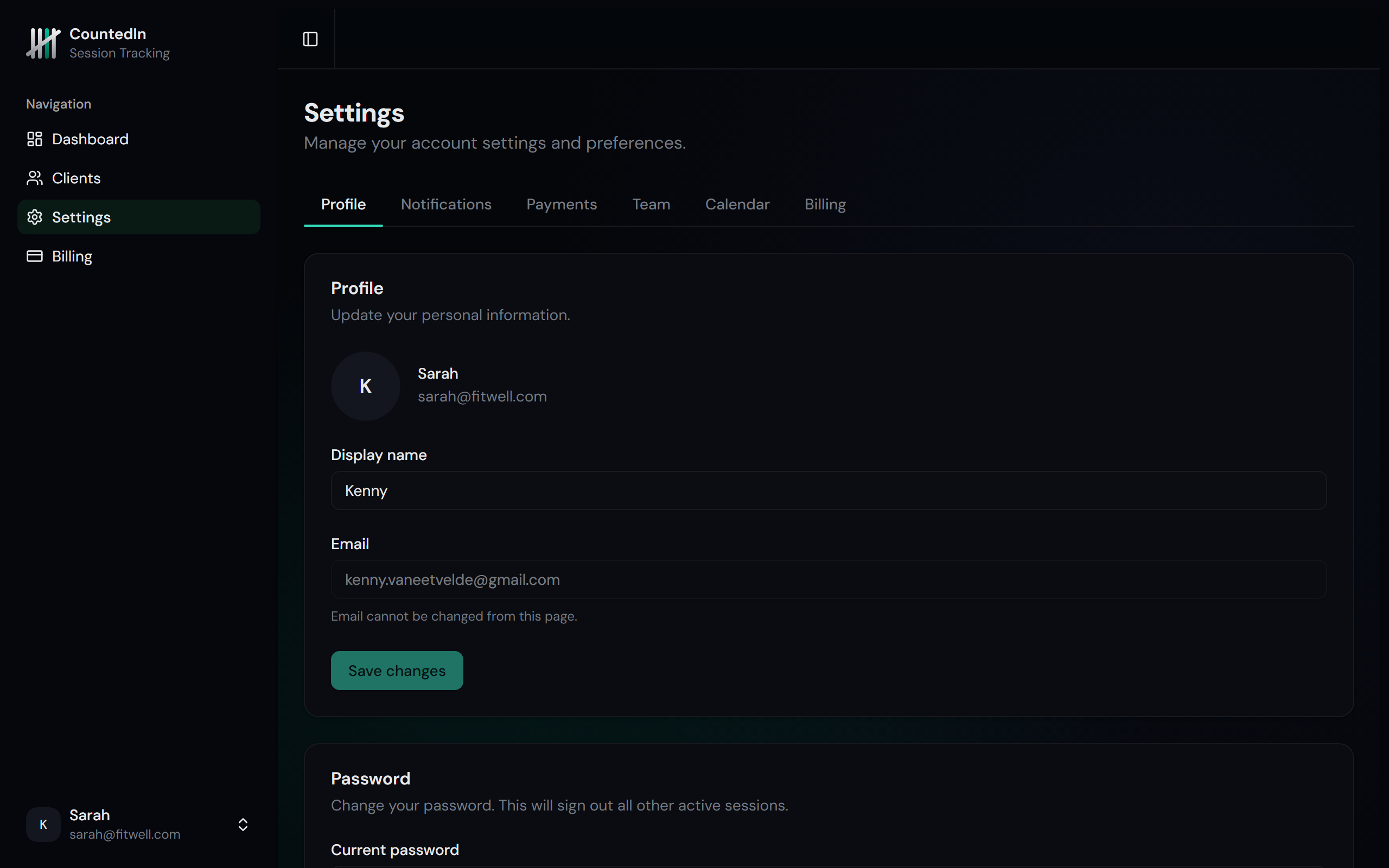
Your profile
Update your name, email, and avatar in Settings > Profile. You can also change your password here.
Plans and pricing
CountedIn offers two plans:
Starter - $29/month
Up to 50 clients, unlimited packages and sessions, notifications, client portal, basic dashboard, data export, and package templates.
Studio - $49/month
Everything in Starter plus: unlimited clients, revenue charts, session trends, Stripe payment links, cancellation policy, and up to 5 team members.
Annual billing saves you 2 months: $290/year for Starter ($24/month), $490/year for Studio ($41/month).
Managing your subscription
In Settings > Billing, you can:
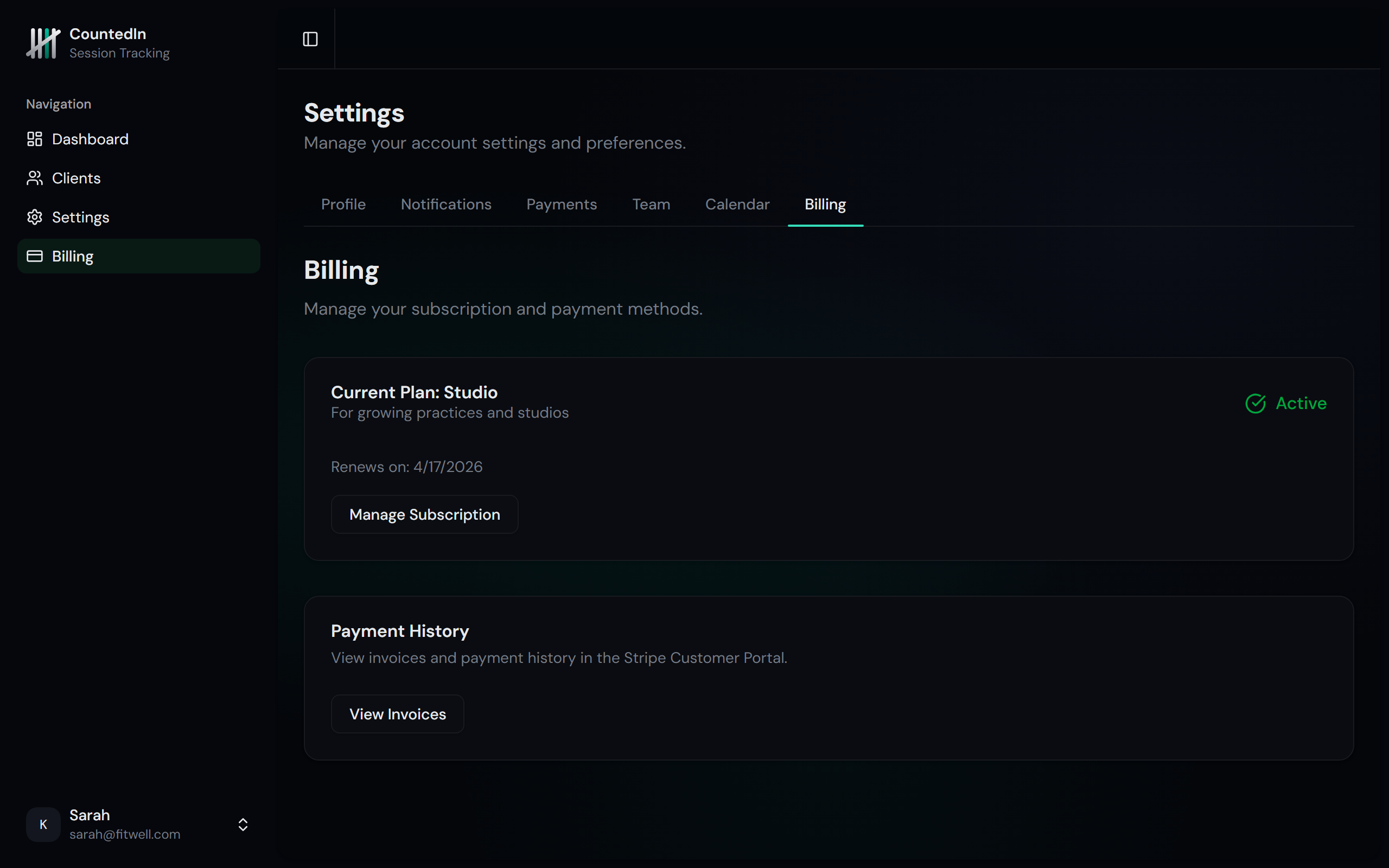
- Upgrade or downgrade your plan
- Switch between monthly and annual billing
- Update payment method via Stripe's customer portal
- View billing history and download invoices
- Cancel your subscription (your data is preserved)
Cancellation policy
Set a cancellation window for your clients in Settings > Team. This defines how many hours before a session a client must cancel to avoid losing a credit.
For example, if you set a 24-hour window: cancellations made less than 24 hours before the session time will automatically deduct a credit. Cancellations made 24+ hours before are free.
Data export
Export your data as CSV files for accounting, tax reporting, or backup purposes. Available exports include:
- Client list - names, emails, phones, tags, and status
- Session history - all logged sessions with dates, statuses, and notes
- Package data - all packages with credits, prices, and expiration dates
Data export is available on all plans. Navigate to your settings to download.